MULTIPLY & DIVIDE RATIONAL NUMBERS
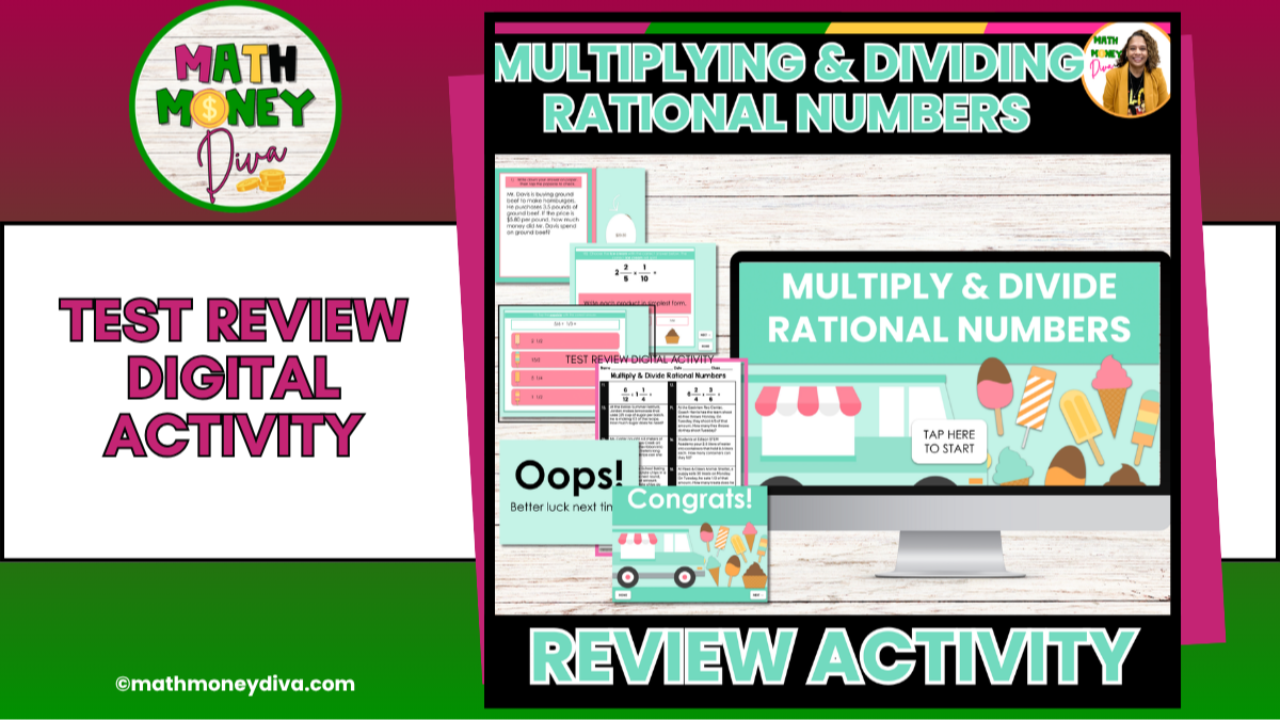
Strengthen your students’ rational number skills with this Multiplying & Dividing Rational Numbers Digital Review, designed for 5th, 6th, and 7th grade math. This Google Slides self-checking activity walks students through real-world money scenarios, fraction operations, and mixed decimal/fraction applications—all organized into clear, structured sections that make review meaningful and manageable.
Students answer each question directly on the slides and receive instant feedback with “Correct!” or “Oops!” messages, helping them self-correct and build confidence independently.
The mix of problem types (standard computation, real-world money word problems, fraction operations, and mixed rational number tasks) makes this resource an excellent fit for warm-ups, small groups, stations, or targeted intervention.
A printable version, student recording sheet, and answer key are included for classrooms without devices.
✅ What’s Included
- Digital Google Slides Review Activity
(self-checking with “Correct/Oops” feedback) - 4 Structured Sections:
⭐ Section 1 – Money Word Problems (real-world rational numbers)
⭐ Section 2 – Multiplying Fractions
⭐ Section 3 – Dividing Fractions
⭐ Section 4 – Multiplying & Dividing Fractions + Decimals Word Problems - Printable version of all questions
- Student recording sheet
- Answer key
- Teacher directions for digital + printable use
Why Teachers Love It
- Perfect for Review: Covers multiplying and dividing rational numbers using multiple representations and real-world scenarios
- Self-Checking Format: Helps students work independently with immediate feedback
- Flexible Use: Great for review days, math stations, early finishers, intervention, or homework
- Varied Rigor: Includes computation, application, and multi-step word problems
- Ideal for Grades 5–7: Rigorous enough for middle school, accessible for upper elementary
📌 Suggested Uses
- Digital math stations
- Small-group intervention
- Spiral review or STAAR prep
- Early finisher practice
- Homework or sub plans
Tech Info:
This activity runs in Google Slides and is completed in Preview Mode, where students type answers into designated boxes. Assign through Google Classroom, making sure each student receives their own copy.